
Description
Installing JetTabs
Download the Plugin: Obtain the JetTabs .zip file from the official Crocoblock website or distributor.
Upload to WordPress: Go to Plugins > Add New > Upload Plugin in your WordPress dashboard and select the downloaded file.
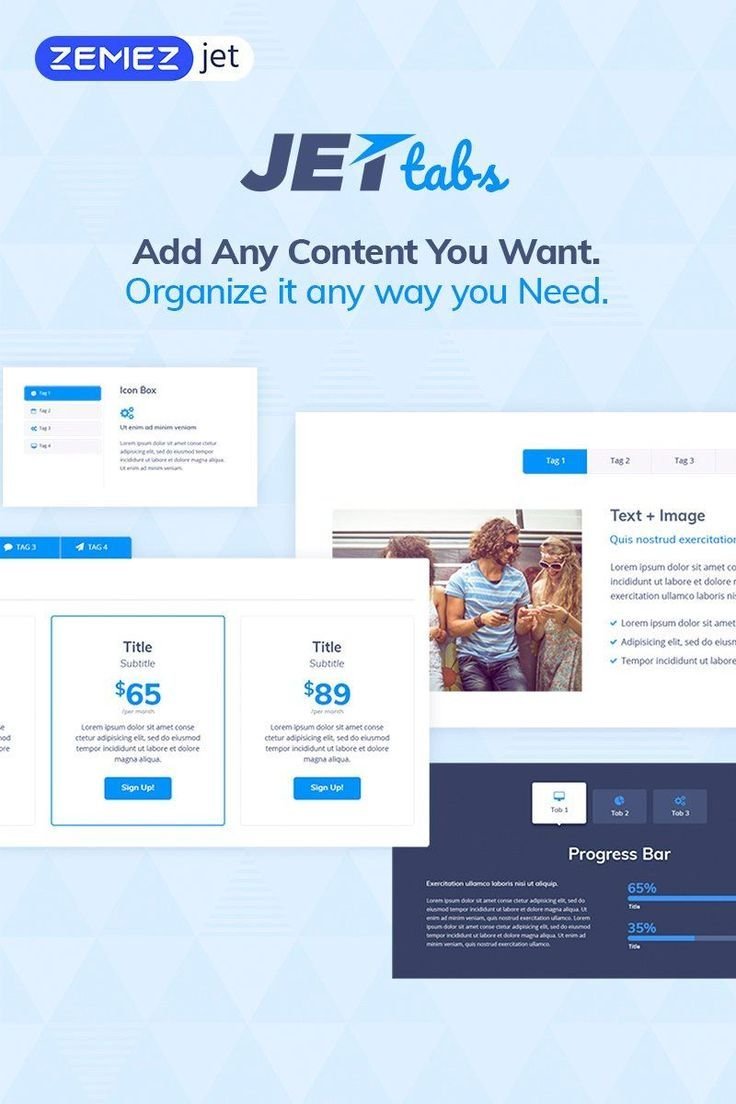
JetTabs - Tabs and Accordion for Elementor Page Builder
You have full access to this resource.
- Last Updated: Oct 1, 2025
- Created: Oct 1, 2025
- Access: Free
Plan Prices
No plans available.
Version History
Apr 14, 2026
Version 2.3.0
* Added: Flip Text Direction for left and right tab layouts.
* Added: Responsive “Scrolling to the Content” settings for Classic Accordion.
Mar 16, 2026
Version 2.1.18
* Added: [Crocoblock/suggestions#5454](https://github.com/Crocoblock/suggestions/issues/5454)
* Added: [Crocoblock/suggestions#5289](https://github.com/Crocoblock/suggestions/issues/5289)
* Fixed: сompatibility with Elementor 3.7
* Fixed: minor issues
Mar 11, 2026
Version 2.2.14
* Fixed: Classic Accordion Ajax “Current Query” template loading.
* Fixed: Tabs control wrapper width when used via shortcode.
* Fixed: Switcher anchor links inside listings (correct smooth scroll + no layout breaks).
* Fixed: Image Accordion “Title Default” no longer overlaps clickable content.
* Updated: Added content filtering support and dynamic styles handling for Accordion/Tabs content.
Mar 7, 2026
Version 2.2.0
* Added: `Scrolling Tabs Navigation` option in the tabs widget
* Fixed: WPML critical error
* Fixed: elements with an ARIA [role] for tabs and accordion widget
* Fixed: switcher in flex container
* Fixed: minor issues
* Updated: Vue js module
Feb 7, 2026
Version 2.2.14
* Fixed: Classic Accordion Ajax “Current Query” template loading.
* Fixed: Tabs control wrapper width when used via shortcode.
* Fixed: Switcher anchor links inside listings (correct smooth scroll + no layout breaks).
* Fixed: Image Accordion “Title Default” no longer overlaps clickable content.
* Updated: Added content filtering support and dynamic styles handling for Accordion/Tabs content.
Jan 7, 2026
Version 2.2.13
* Added: Videos now auto-pause when switching between tabs.
* Fixed: Auto Switch no longer reveals content of tabs hidden by the Hide Empty Items add-on.
* Fixed: Arrow key navigation is now blocked inside inputs/textareas to prevent unintended tab/listing navigation (including Review Listing).
Dec 16, 2025
Version 2.2.12.1
* Fixed: Potential XSS vulnerability in Tabs/Accordion widgets.
* Fixed: Broken Access Control issue.
Oct 1, 2025
Version 2.2.11
Fixed: Compatibility with Hide Empty Tabs addon — now works correctly with Elementor Tabs / JetTabs.
Fixed: Missing styles for nested tabs (tabs inside tabs).
Fixed: Repeated “Jet Tabs Data Update” banner — update notice now appears only when a real DB migration is required.
Comments
Log in to leave a comment.
No comments yet. Be the first to comment!